
Open the screen on your Mac.
Move the congregation window to the projector or television and put it full screen.
Mac + iPad display system
Put the congregation display on a Mac. Carry the service on your iPad. Advance Scripture, hymns, sermon movements, and custom slides with one tap—while your manuscript and private notes remain yours alone.

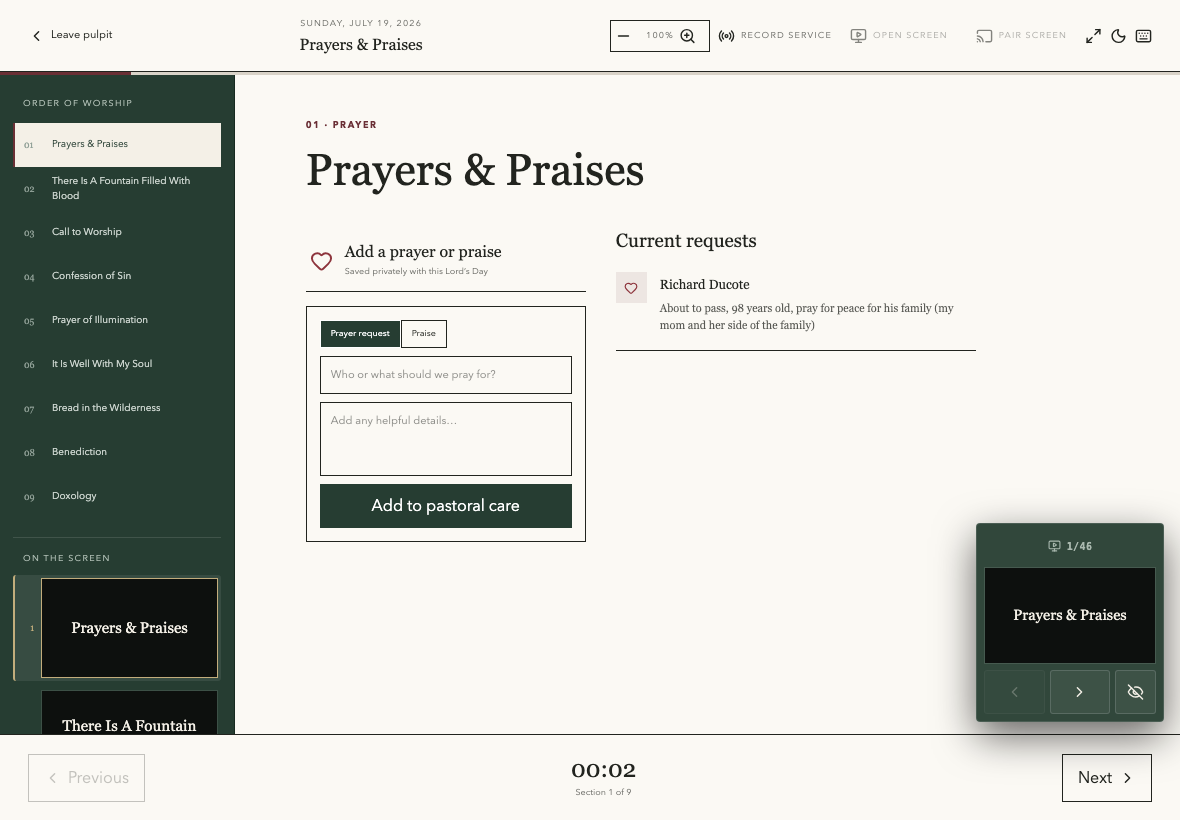
Move the congregation window to the projector or television and put it full screen.
Enter the short room code once. The iPad and Mac stay synchronized through the service.
Advance the public slide from the same place you read the manuscript and walk the liturgy.
Designed for the actual room
The congregation receives only the slide you intentionally send. Your sermon manuscript, prayer details, teaching notes, and study material never enter the public deck.
Sunday without the booth panic